Nine device panels
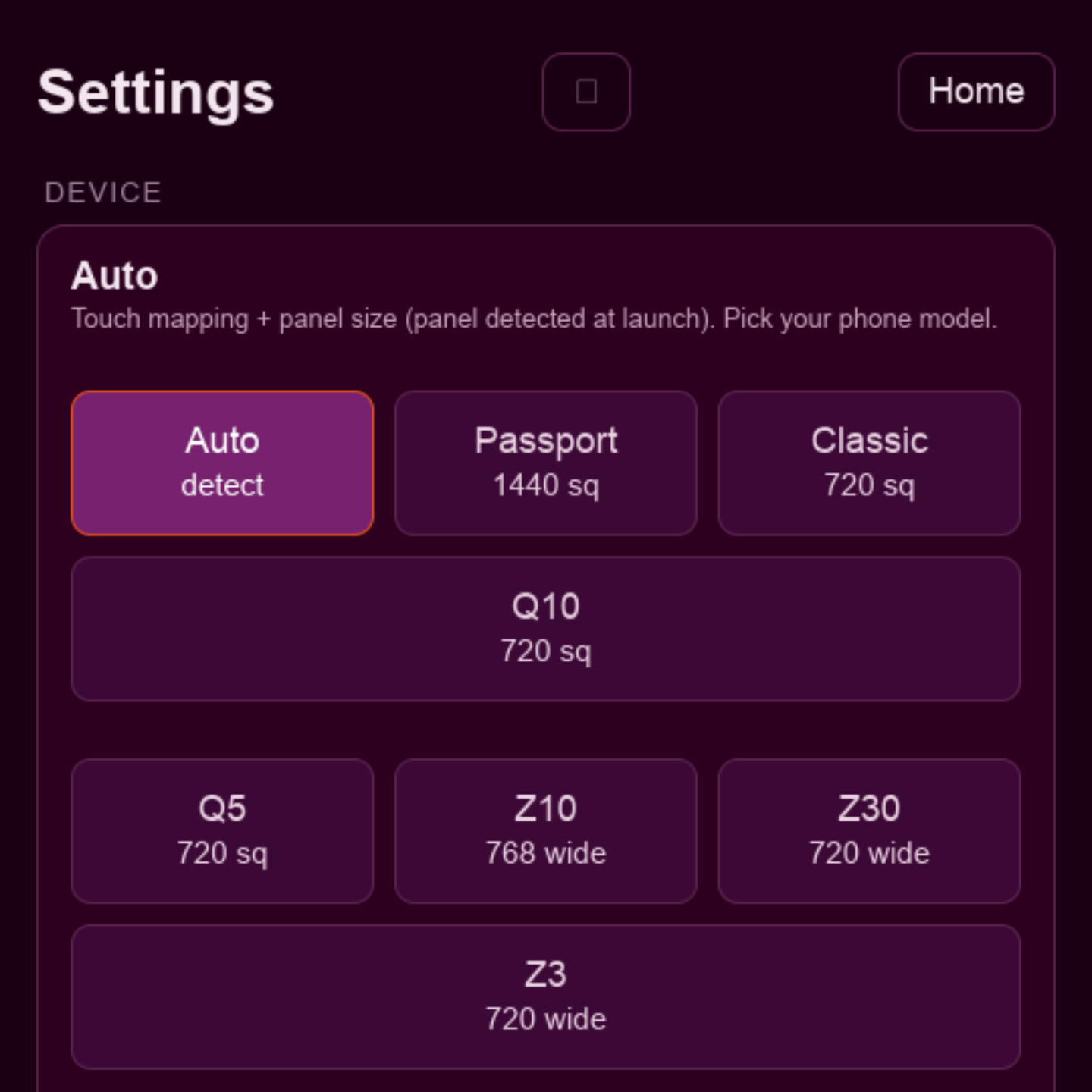
Auto-detected at launch with render buffer size and touch coordinate mapping scaled to each:
- Passport · Classic · Q20 · Q10 · Q5
- Z10 · Z30 · Z3 · Leap
Berry Browser V3 · BlackBerry 10
Berry Browser is a modern web browser for BlackBerry 10. It runs a genuine, current-generation Chromium engine on QNX — not a reskin of the stock 2013 WebKit browser — which means today’s sites get today’s rendering, JavaScript, and TLS.
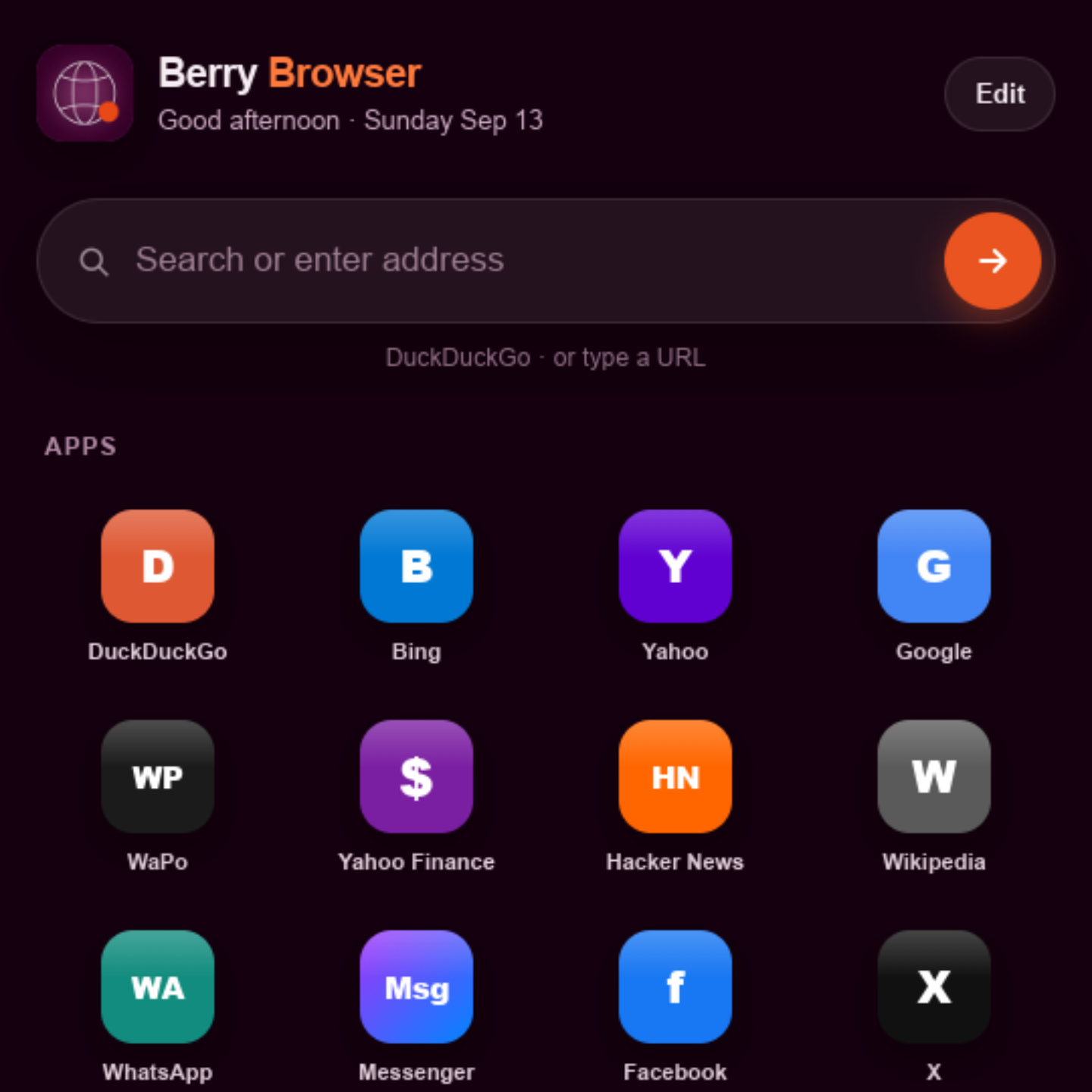
The engine is ported to BB10’s native Screen graphics stack through a purpose-built Ozone backend, with EGL compositing on the device’s Adreno GPU — real windowed browsing, not a headless shell pretending to be a browser.
It is compiled specifically for this hardware: ThinLTO plus profile-guided optimization, where the optimization profile was collected from real browsing sessions on a Passport. The result is measurably faster on the paths that matter on a 32-bit ARM phone — the event loop, garbage collection, CSS, and the compositor.
Auto-detected at launch with render buffer size and touch coordinate mapping scaled to each:
13 sections — Device, Display, Frame rate, Content & privacy, Network, YouTube, Identity, Performance, JS memory, Developer, Home screen shortcuts, Share & system, and Start page.
Inside those: 24 on/off toggles, three tap-to-select preset rows, and three free-text fields.
That depth is deliberate. Running a modern engine on decade-old hardware means the right trade-off differs per device and per site, so the trade-offs are exposed instead of hidden:
Berry Browser is beta software under active development. Some heavyweight sites still struggle.
Two walkthroughs on real BB10 hardware — deep demo on Passport, plus a beta release tour with more feature exploration.
Berry Browser: Modern Chromium for BlackBerry 10 (Passport) — embed starts at ~8:55.
Chromium inside a native BB10 .bar — GPU window, modern TLS, and sites stock BB10
cannot render. Blink and V8 replace the platform’s frozen WebKit fork.
Berry Browser Beta Release! Modern Browser for Blackberry10 — explores the app, settings, and day-to-day use in more detail.
A longer look at Berry Browser as a beta product — UI, configuration, and what it feels like to browse the modern web on BB10 when the engine is actually current.
sw7ft/berry-browser is the promo site and release hub — download the
.bar, read release notes, watch the demo.
Patches, branches (berry-v3), and the multi-gigabyte tree live in
chromium-for-bb10.
Same project, different front door.
Works alongside BerryCore and
berrycore.sw7ft.com for rooted
qpkg installs — sideloading the BAR works on standard dev-mode setups too.
.bar with Sachesi, DDPB, or an on-device BAR installer.Previous releases: build 105, build 84 (archive). All tags on GitHub Releases.
Berry Browser is years of engine work on hardware the world wrote off. If it helps you, consider supporting the folks behind it — and the legacy community that made any of this possible.
Thank you to everyone in this community. Long live BlackBerry.
| Device | Typical panel |
|---|---|
| Passport | 1440×1440 |
| Classic · Q20 | 720×720 |
| Q10 · Q5 | 720×720 |
| Z10 | 768×1280 |
| Z30 · Z3 · Leap | 720×1280 |